
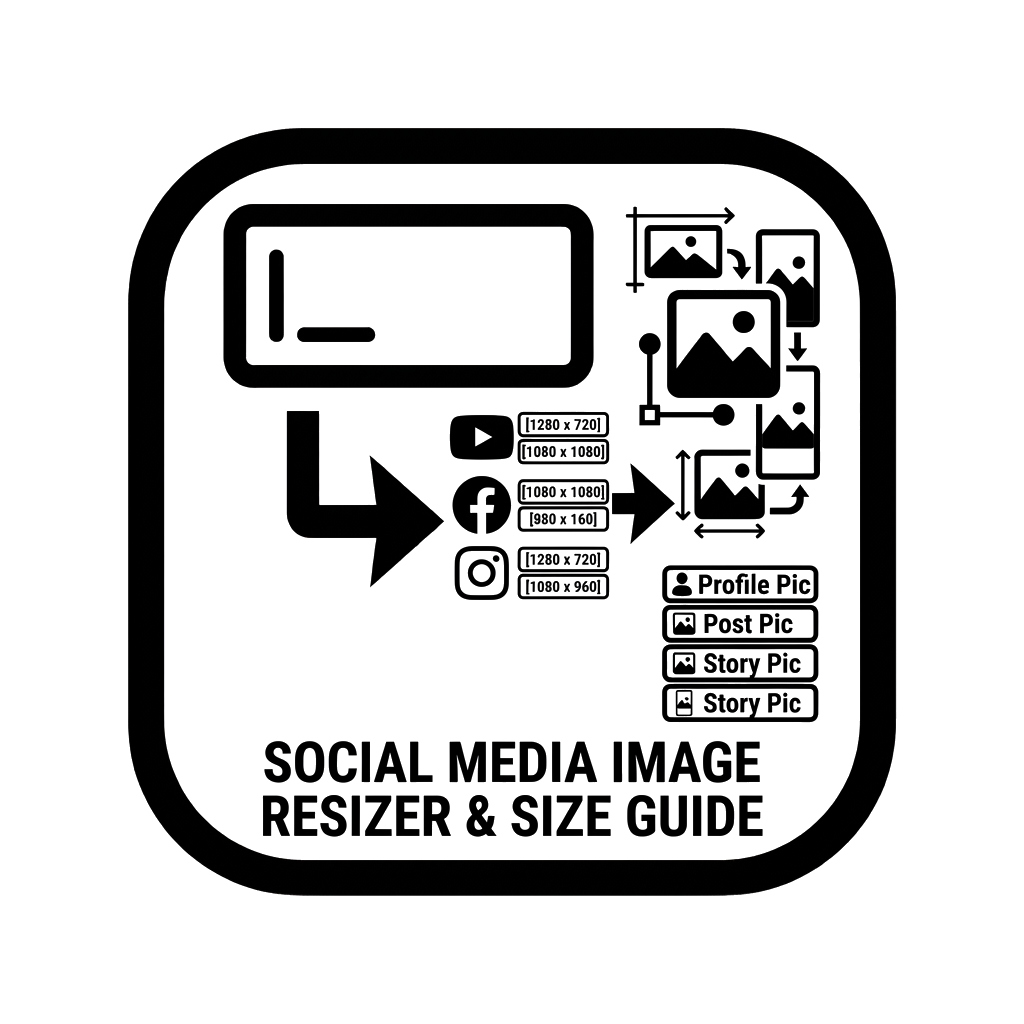
Social Media Image Size & Aspect Ratio Guide
Get official image dimensions, safe zones, and aspect ratios for Instagram, TikTok, YouTube, Facebook, and Twitter. Download blank templates instantly.
Canvas rendering operates entirely in your browser. Fast and accurate specifications.
Social Media Image Sizes & Aspect Ratio Cheat Sheet (2026 Standards)
The GoToolsX Social Media Image Size Guide provides exact, up-to-date dimensions, aspect ratios, and safe zones for Instagram, TikTok, YouTube, Facebook, LinkedIn, Pinterest, and Twitter (X).
Uploading the wrong image size leads to automatic compression blur, awkward cropping, or critical text being covered by platform interface buttons (such as like hearts, sound icons, or captions). Using precise pixel specifications ensures your visual branding appears crisp and professional across both iOS and Android displays.
Master Dimension Cheat Sheet
| Platform & Format | Aspect Ratio | Recommended Resolution | Purpose |
|---|---|---|---|
| Instagram Portrait | 4:5 | 1080 × 1350 px | Maximum screen real estate in mobile feeds. |
| Instagram / TikTok Reels | 9:16 | 1080 × 1920 px | Full-screen vertical video and stories. |
| Instagram Square | 1:1 | 1080 × 1080 px | Standard feed posts and profile avatars. |
| YouTube Thumbnail | 16:9 | 1280 × 720 px | Optimal resolution for video CTR on all devices. |
| YouTube Banner | 16:9 | 2560 × 1440 px | Desktop safe zone centered at 1546 × 423 px. |
| X (Twitter) Header | 3:1 | 1500 × 500 px | Top profile branding banner. |
| Pinterest Pin | 2:3 | 1000 × 1500 px | Recommended ratio to avoid pin cutoff in search. |
The 4:5 Instagram Advantage vs. 1:1 Square
While 1:1 square posts remain iconic, digital marketers overwhelmingly recommend 4:5 portrait (1080 × 1350 px) for single images and carousels. A 4:5 image occupies approximately 25% more vertical viewport height on smartphones, keeping viewers engaged with your post longer before they can scroll past.
Frequently Asked Questions (FAQ)
Why did my Instagram image look blurry after uploading?
If you upload an image larger than 1080 pixels in width without proper aspect ratios, Instagram’s compression algorithms aggressively re-encode the file, causing artifacting. Pre-sizing your image to exactly 1080 pixels wide preserves sharpness.
What is the safe zone for Reels and TikToks?
While the video canvas is 1080 × 1920 pixels (9:16), keep critical titles and callouts within the central 1080 × 1420 px safe zone to avoid overlap from profile icons, caption text, and navigation bars.