
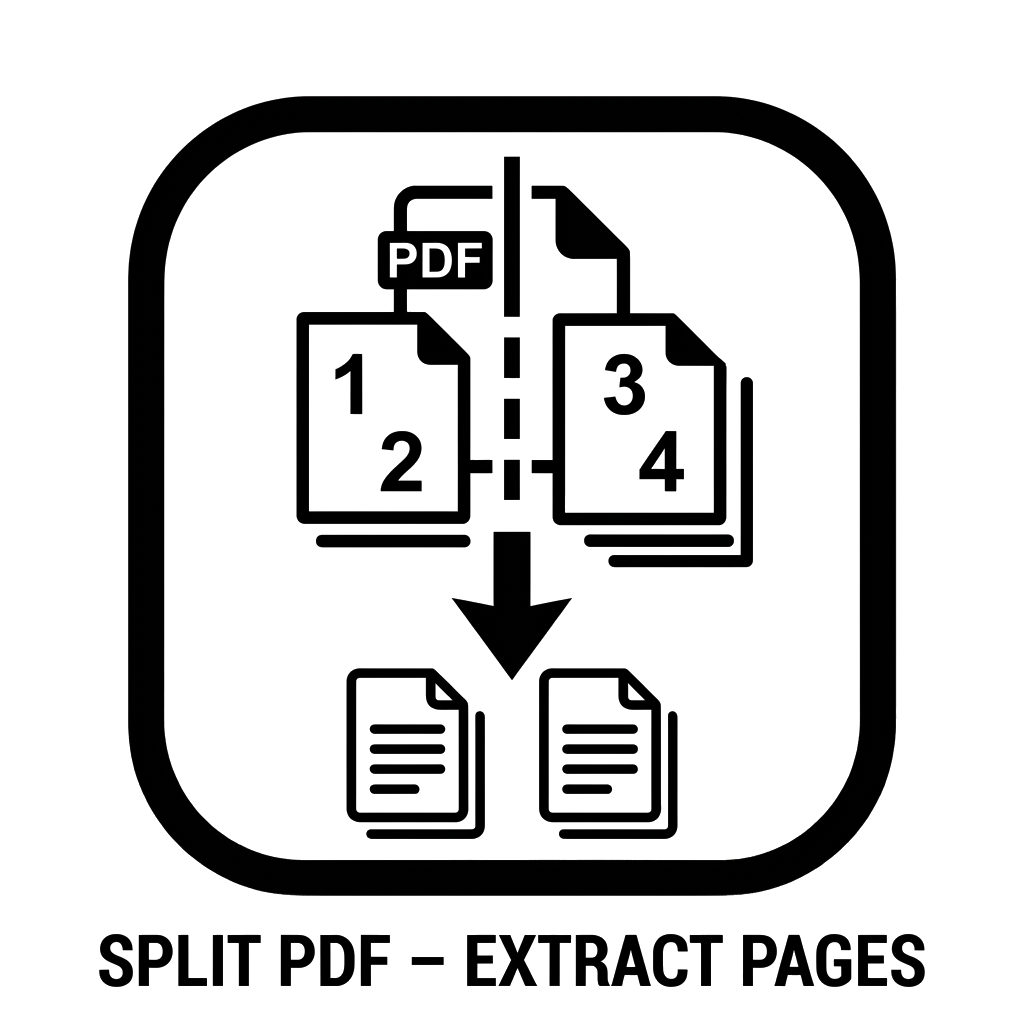
Split PDF – Extract Pages from PDF Online
Extract specific pages or separate every page into independent PDF documents. Free, fast, and 100% private in your browser.
or drop PDF here
Your PDF is processed strictly inside your local browser. Documents are never uploaded to any server.
Free Online Split PDF – Extract Pages & Separate Documents Instantly
The GoToolsX Split PDF Tool is a free, secure web utility that allows you to extract specific page ranges from any PDF document or separate every page into individual single-page files without uploading your private files to remote servers.
Working with large, multi-page PDF documents often requires isolating specific sections. Whether you need to pull specific chapters out of a lengthy digital textbook, extract a signed signature sheet from a legal contract, or split a bundled invoice statement into individual customer receipts, doing so should not require expensive commercial software installations. GoToolsX executes all page extractions client-side inside your browser, ensuring high-speed processing and complete confidentiality.
Why Choose GoToolsX to Split PDF Files?
Most traditional online PDF splitters force you to upload sensitive documents to their cloud servers, queue your file behind other users, and watermark your finished work unless you purchase a recurring subscription. Our tool works differently:
- 100% Client-Side Privacy: Your PDF file stays in your local browser memory. No data is transmitted across external networks.
- Zero Quality Degradation: Extracted pages preserve 100% of their original vector typography, embedded high-resolution graphics, and digital bookmarks losslessly.
- No File Size Restrictions: Process documents with dozens or hundreds of pages without encountering artificial upload throttles.
- Cross-Platform Compatibility: Operates seamlessly across desktop browsers (Chrome, Edge, Firefox, Safari) and mobile devices (iPhone, iPad, Android).
Two Flexible PDF Splitting Modes
To accommodate diverse business, educational, and creative workflows, GoToolsX provides two dedicated extraction methods:
| Split Mode | Input Example | Output Result |
|---|---|---|
| Extract Specific Ranges | 1-4, 7, 10-12 |
A single combined PDF containing only your requested pages in order. |
| Split Every Page | Automatic | A clean ZIP archive containing every single page exported as an individual numbered PDF (e.g., document-page-1.pdf). |
How to Split a PDF Online in 3 Simple Steps
- Select Your PDF File: Click the purple “Select PDF File” button or drag and drop your document directly into the upload area.
- Configure Your Split Preferences: Choose whether you want to extract specific page numbers (e.g.,
1-3, 5) or separate all pages. - Split and Download: Click “Split and Download PDF” to instantly save your customized PDF or packaged ZIP archive to your local storage.
Common Use Cases for Splitting PDF Files
- Legal & Business Contracts: Extract signature pages, addendums, or exhibits without exposing confidential corporate clauses.
- Academic Research & Study Guides: Isolate specific research papers, textbook chapters, or problem sets for focused studying.
- Accounting & Invoicing: Separate massive monthly payroll statements or billing ledgers into individual receipts for clients.
- Government & Job Applications: Comply with strict file size and page limit guidelines by removing unnecessary background pages.
Frequently Asked Questions (FAQ)
Is the GoToolsX Split PDF tool completely free?
Yes. The tool is 100% free with no hidden subscriptions, no daily usage caps, and no watermarks added to your documents.
Does splitting a PDF reduce its visual clarity?
No. Our tool uses lossless extraction protocols. Text layers, embedded fonts, form fields, and images remain in their original resolution without recompression.
Can I extract non-consecutive pages?
Yes. You can enter non-consecutive pages separated by commas and hyphens (for example: 1-3, 5, 9, 12-14). The tool will compile them into one continuous document.
Are my uploaded PDF documents stored on your server?
No. All file processing occurs locally inside your web browser using HTML5 and client-side JavaScript libraries. Your documents are never uploaded, stored, or viewed by anyone.
Can I split password-protected PDFs?
If your PDF is secured with an open password, remove the password restriction first using our free Unlock PDF tool before extracting your desired pages.